
Drawn, painted, animated · Illustrated
Pixel Art AI Headshot
16-bit JRPG bust
The Pixel Art headshot puts you in simple JRPG-protagonist wardrobe with bold flat colour blocks and a single accent piece, set against JRPG character-portrait background — soft pixel-gradient sky, simple tiled forest tile-set, or solid colour with light dither, no detailed environment. We light it with simulated single-source illumination via clean 1-pixel-step dithered cel shading on the off-side, AA dither pattern for shadow gradient and grade it 16-color limited palette (period 16-bit console palette feel), clean 1-pixel black or dark outline, AA dithering in shadow transitions, retained chunky pixel scale (pixels clearly visible, never anti-aliased into smoothness), JRPG party-portrait roster aesthetic. It reads as 16-bit jrpg bust, and it's generated from a single selfie in about 60 seconds.
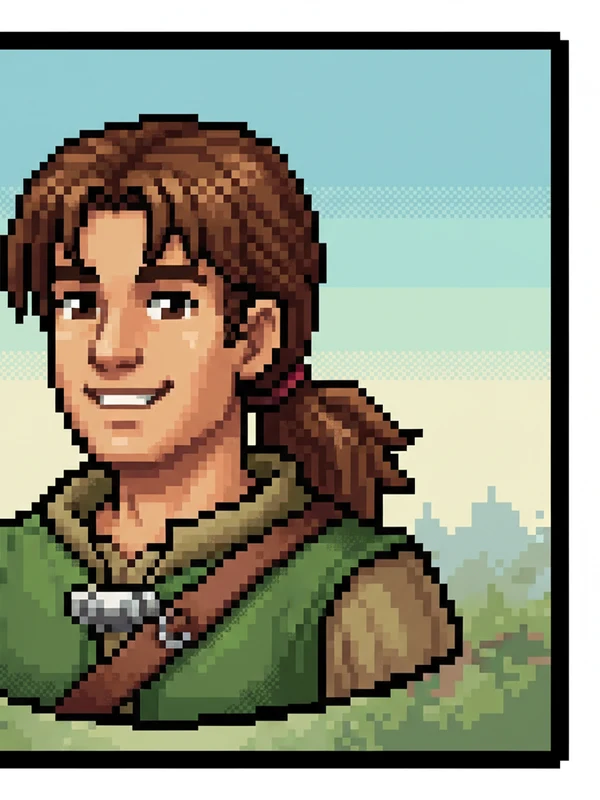
The Pixel Art look, in detail
Here's exactly how the studio builds this look. You don't need to own any of it, just upload a selfie.
- Wardrobe
- simple JRPG-protagonist wardrobe with bold flat colour blocks and a single accent piece
- Setting & background
- JRPG character-portrait background — soft pixel-gradient sky, simple tiled forest tile-set, or solid colour with light dither, no detailed environment
- Lighting
- simulated single-source illumination via clean 1-pixel-step dithered cel shading on the off-side, AA dither pattern for shadow gradient
- Lens & framing
- 32×32 to 64×64 pixel JRPG-character bust, full-frame portrait, clean 1-pixel outline silhouette, square or 4:5 aspect
- Color & finish
- 16-color limited palette (period 16-bit console palette feel), clean 1-pixel black or dark outline, AA dithering in shadow transitions, retained chunky pixel scale (pixels clearly visible, never anti-aliased into smoothness), JRPG party-portrait roster aesthetic
- Expression & pose
- clear JRPG-protagonist expression — warm welcoming smile, serious focus, or calm composure — simplified to readable pixel features
Who picks the Pixel Art look
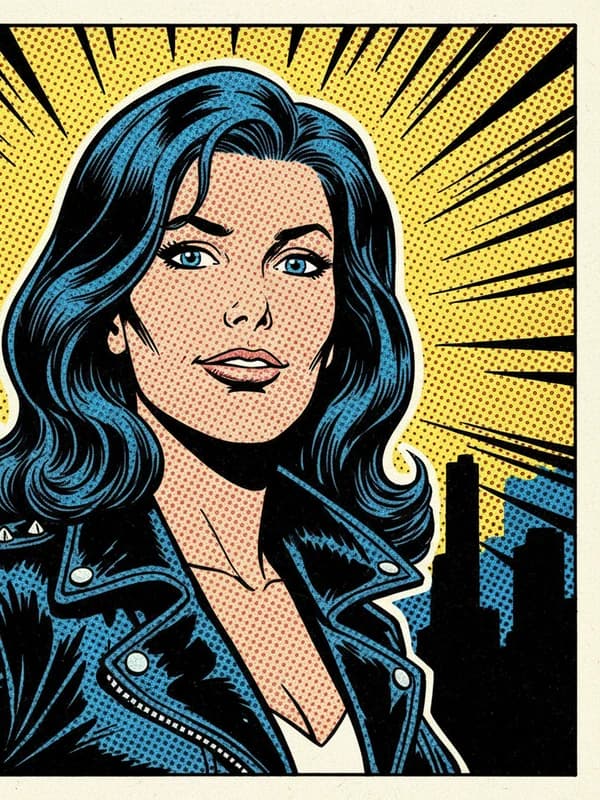
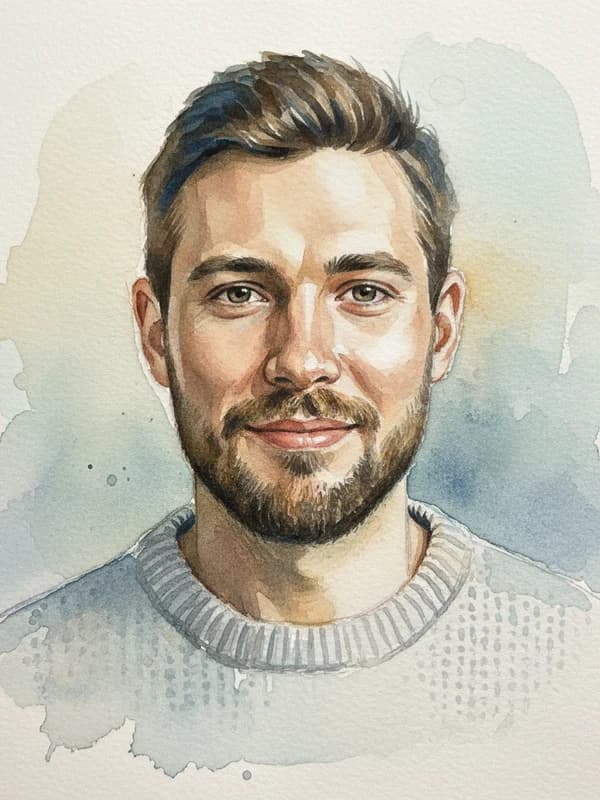
Non-photographic portraits: manga, chibi, webtoon, soft anime, Silver-Age comic, watercolor, pencil, pixel art, 1909-style tarot, vintage sports card, and kawaii sticker pack. Your face, in any medium. If that's the impression you want to give, this is your style. It pairs well with our all 100+ styles.
How to generate it
- Open the studio and upload one clear selfie.
- Pick the Pixel Art style (it's pre-selected from this page).
- Get 3 free headshots in about 60 seconds. See how it works.
What the Pixel Art pack delivers
- 3 studio-quality headshots free per day, watermarked
- ~60-second generation from one selfie, no model training, no 20-photo upload
- Identity preserved across every frame (face, ethnicity, glasses, hijab, mobility aids)
- $19 unlocks 100 photos in this style plus every other style (100+ total), Full HD, no watermark, commercial license
- No face embeddings retained
- 7-day refund window — eligible if you've used 3 or fewer photos
How Pixel Art compares
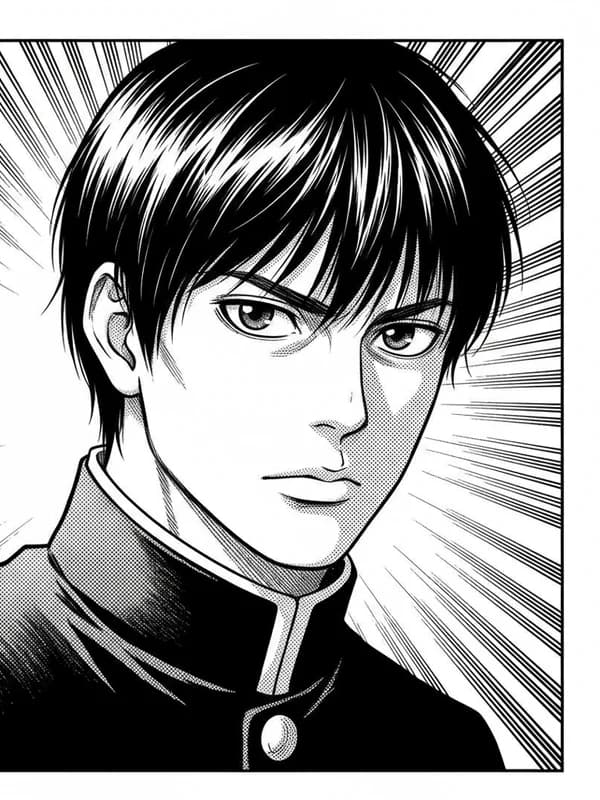
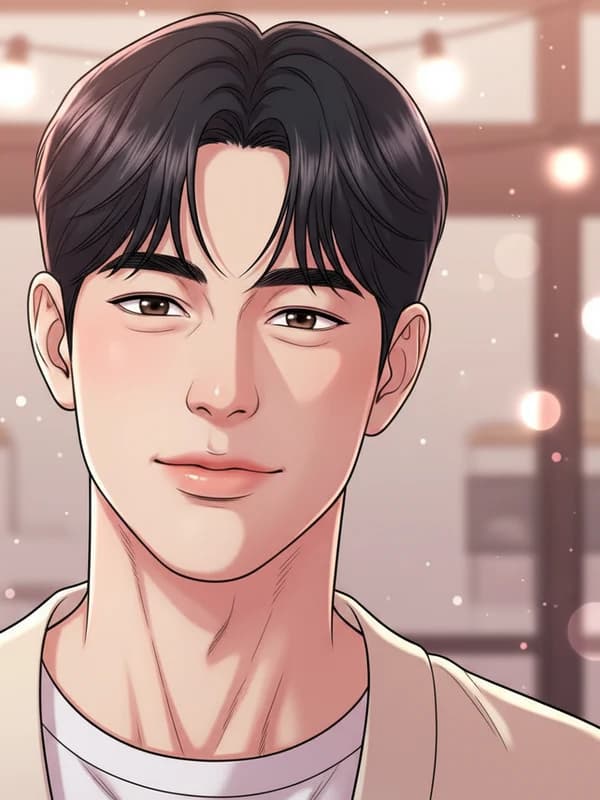
Not sure Pixel Art is the one? In the same illustrated family, people also weigh Manga (b&w line + screentone), Chibi (big-head kawaii avatar), Soft Anime (cozy pastel cel-anime). The good news: with the $19 pack you get all of them, so you don't have to choose. Browse the full 100+ style catalog.
More in Illustrated


Pixel Art headshots: FAQ
Is the Pixel Art style free?
Yes. You get one free set of 3 watermarked Pixel Art headshots, with no signup and no credit card. The one-time packs ($9 for 30 photos, $19 for 100 in Full HD, $49 for 300) remove the watermark and unlock all 100+ styles.
How many photos do I upload for a Pixel Art headshot?
Just one selfie. FreeHeadshot runs on Google Gemini 2.5 Flash Image, which reads your face straight from a single photo, so there's no model training and no 20-photo upload. You can add up to 5 for slightly better results.
What should I wear for the Pixel Art look?
Nothing special. We render simple JRPG-protagonist wardrobe with bold flat colour blocks and a single accent piece for you, so upload any clear, well-lit selfie and we handle the wardrobe, lighting, and setting.
How long does it take, and where can I use my Pixel Art headshot?
About 60 seconds for the free 3-pack. The Pixel Art look is built for LinkedIn, resumes, team pages, and social profiles. It is not valid for passports or government ID, which require an unedited photograph.
Generate your Pixel Art headshot in 60 seconds.
No signup, no credit card for the first three. Pay $19 once if you love them.
Open the Studio