
For real work · Professional
Broadcast AI Headshot
News-anchor polish
The Broadcast headshot puts you in sharp solid-color suit or blazer in broadcast-friendly mid tones, set against modern broadcast-studio set softly defocused, cool blue-graded panels with a faint warm screen glow, clean and out of focus. We light it with polished three-point studio lighting, soft key front-right, fill front-left, bright rim, even flattering 5400K, twin catchlights and grade it clean saturated broadcast color, polished even skin, cool set with warm accents, on-air tone. It reads as news-anchor polish, and it's generated from a single selfie in about 60 seconds.
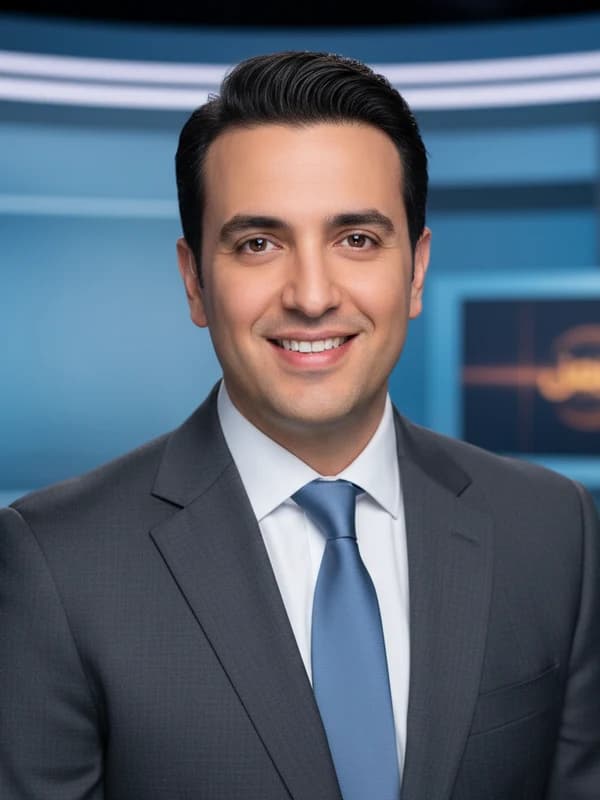
The Broadcast look, in detail
Here's exactly how the studio builds this look. You don't need to own any of it, just upload a selfie.
- Wardrobe
- sharp solid-color suit or blazer in broadcast-friendly mid tones
- Setting & background
- modern broadcast-studio set softly defocused, cool blue-graded panels with a faint warm screen glow, clean and out of focus
- Lighting
- polished three-point studio lighting, soft key front-right, fill front-left, bright rim, even flattering 5400K, twin catchlights
- Lens & framing
- 85mm at f/4, crisp anchor framing, tack-sharp eyes
- Color & finish
- clean saturated broadcast color, polished even skin, cool set with warm accents, on-air tone
- Expression & pose
- warm authoritative open smile, polished and at-ease, eyes locked confidently through the lens
Who picks the Broadcast look
The headshots you'd use on LinkedIn, in a press kit, on a company team page. Boardroom polish through industry-specific looks. If that's the impression you want to give, this is your style. It pairs well with our LinkedIn headshot generator and corporate headshots.
How to generate it
- Open the studio and upload one clear selfie.
- Pick the Broadcast style (it's pre-selected from this page).
- Get 3 free headshots in about 60 seconds. See how it works.
What the Broadcast pack delivers
- 3 studio-quality headshots free per day, watermarked
- ~60-second generation from one selfie, no model training, no 20-photo upload
- Identity preserved across every frame (face, ethnicity, glasses, hijab, mobility aids)
- $19 unlocks 100 photos in this style plus every other style (100+ total), Full HD, no watermark, commercial license
- No face embeddings retained
- 7-day refund window — eligible if you've used 3 or fewer photos
How Broadcast compares
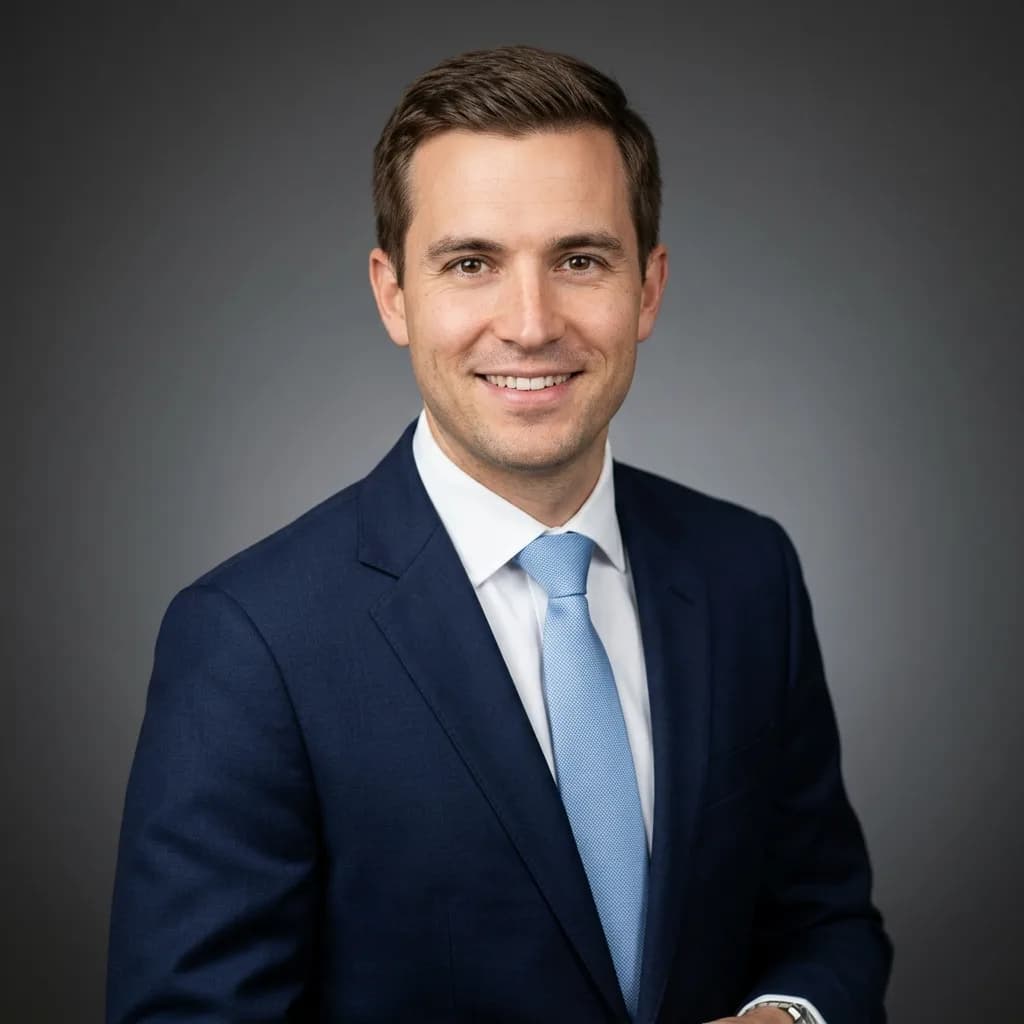
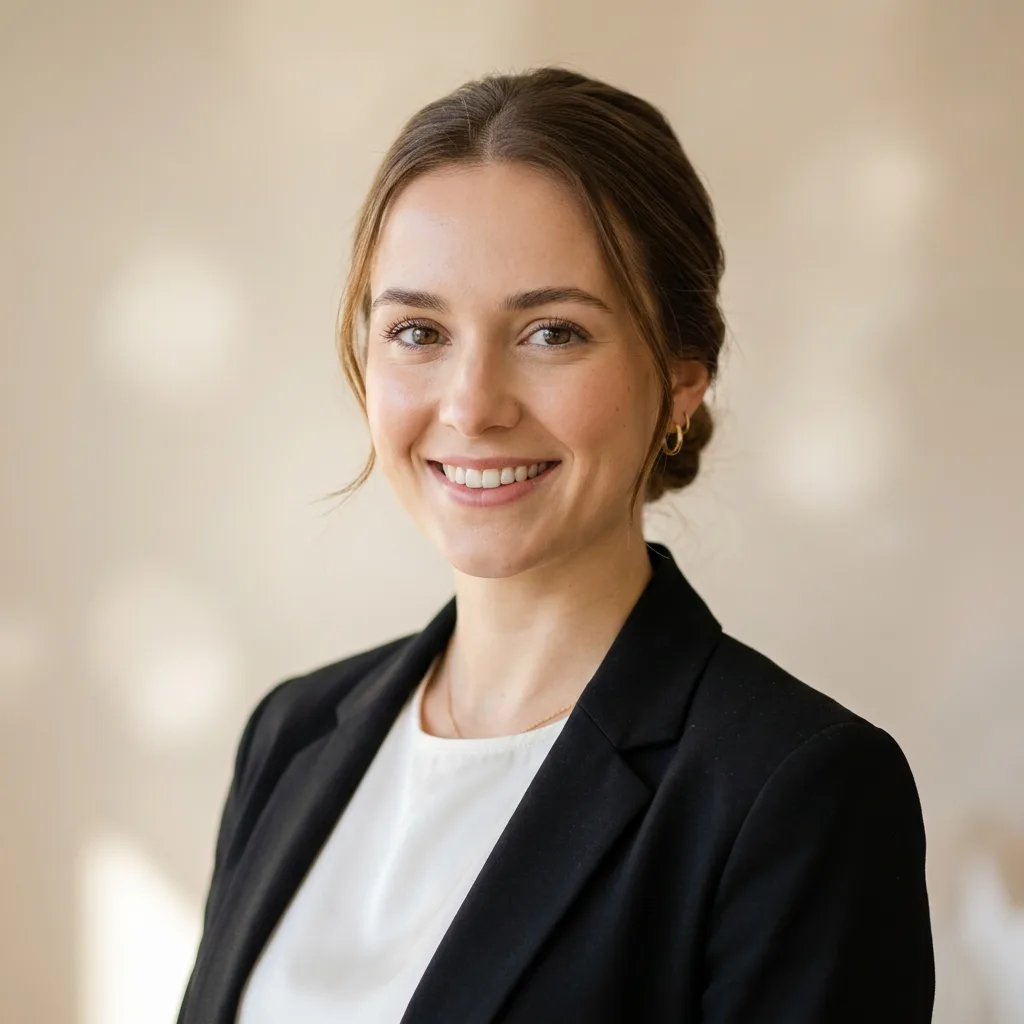
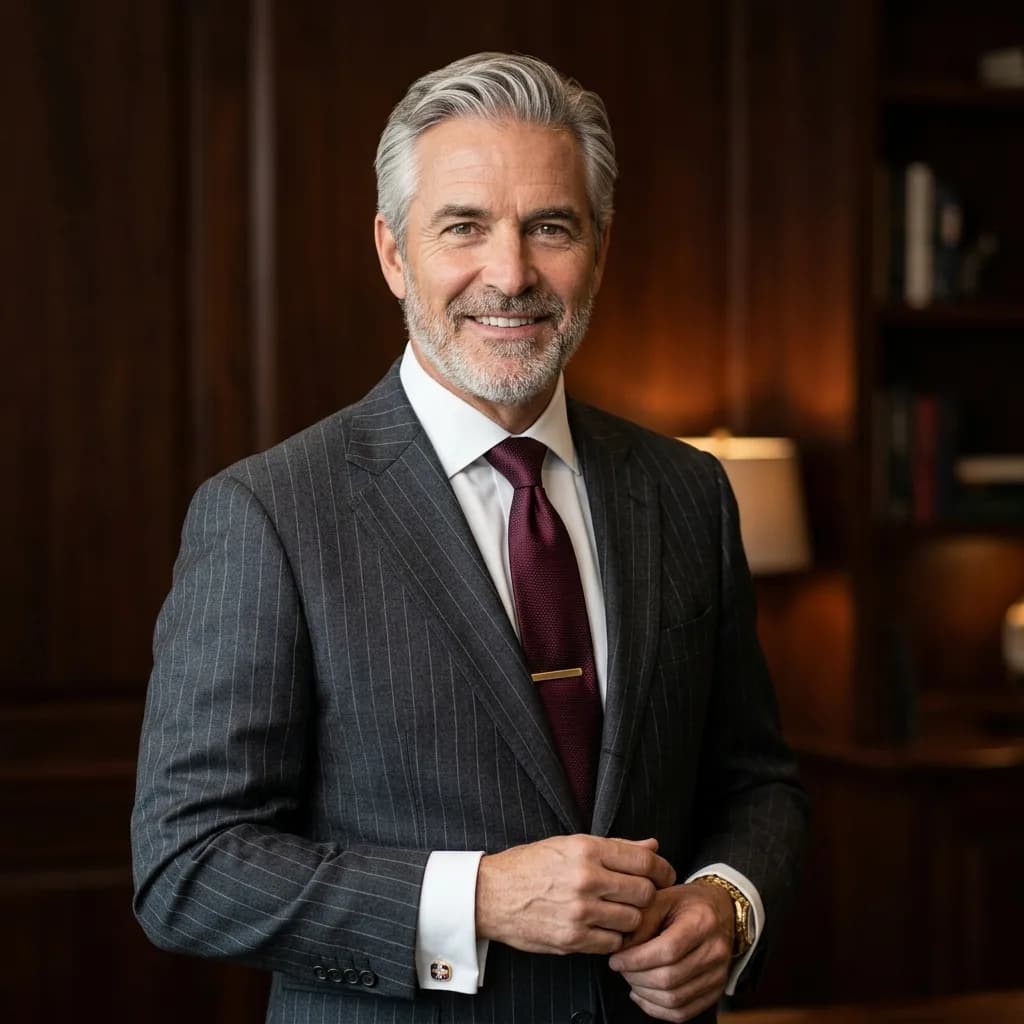
Not sure Broadcast is the one? In the same professional family, people also weigh Corporate (boardroom polish), LinkedIn (built for the feed), Executive (authority + warmth). The good news: with the $19 pack you get all of them, so you don't have to choose. Browse the full 100+ style catalog.
More in Professional
Broadcast headshots: FAQ
Is the Broadcast style free?
Yes. You get one free set of 3 watermarked Broadcast headshots, with no signup and no credit card. The one-time packs ($9 for 30 photos, $19 for 100 in Full HD, $49 for 300) remove the watermark and unlock all 100+ styles.
How many photos do I upload for a Broadcast headshot?
Just one selfie. FreeHeadshot runs on Google Gemini 2.5 Flash Image, which reads your face straight from a single photo, so there's no model training and no 20-photo upload. You can add up to 5 for slightly better results.
What should I wear for the Broadcast look?
Nothing special. We render sharp solid-color suit or blazer in broadcast-friendly mid tones for you, so upload any clear, well-lit selfie and we handle the wardrobe, lighting, and setting.
How long does it take, and where can I use my Broadcast headshot?
About 60 seconds for the free 3-pack. The Broadcast look is built for LinkedIn, resumes, team pages, and social profiles. It is not valid for passports or government ID, which require an unedited photograph.
Generate your Broadcast headshot in 60 seconds.
No signup, no credit card for the first three. Pay $19 once if you love them.
Open the Studio