
Viral & trending · Aesthetic
Snowfall Portrait AI Headshot
Cinematic winter street
Heavy snow, an empty street at dusk, warm lamps glowing far behind you and flakes catching on your coat. Snowfall Portrait looks like a still from a winter film. The snow is part of the scene, falling in front of you and behind you the way real snow does, instead of sitting on top like a filter.
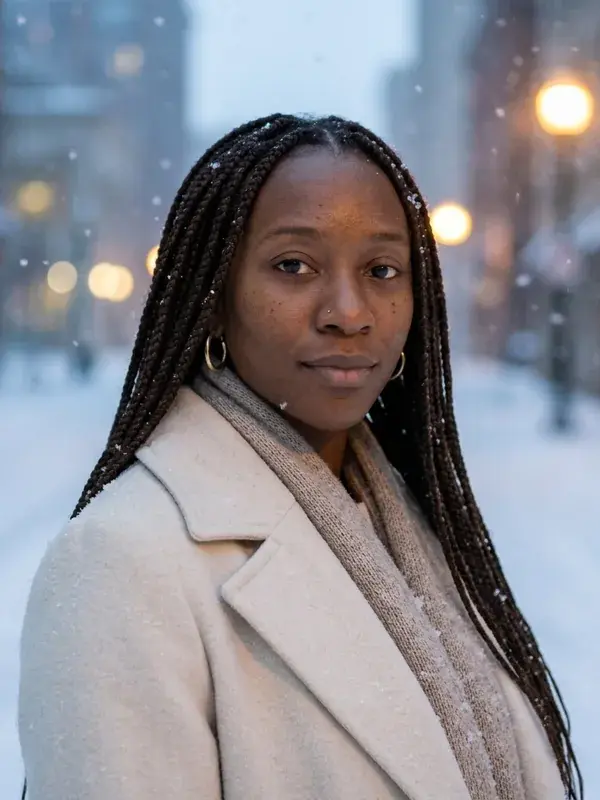
The Snowfall Portrait look, in detail
Here's exactly how the studio builds this look. You don't need to own any of it, just upload a selfie.
- Wardrobe
- a wool overcoat with a soft knit scarf, no logos
- Setting & background
- a quiet city street at blue hour in heavy snowfall, big soft flakes falling in front of and behind the subject, warm street lamps glowing far behind, a few flakes resting on the shoulders, the street completely empty
- Lighting
- cool blue-hour light with one warm street lamp as a soft rim from behind on the right, gentle fill on the face
- Lens & framing
- 85mm at f/1.8, chest-up cinematic framing, shallow depth of field
- Color & finish
- cinematic winter tones: cool blues, warm amber highlights, soft contrast, fine grain
- Expression & pose
- a calm, quiet look at the camera, lips softly closed
Who picks the Snowfall Portrait look
Anyone who wants a winter profile picture that feels calm rather than festive. It works through December, January and February, and it fits right in with the snowy portraits that fill feeds every winter. Women get a cream wool coat, men a dark overcoat with the collar turned up. You might also like our AI profile picture generator and headshot style quiz.
How to make yours
- Open the studio. Snowfall Portrait is already picked for you.
- Upload one clear, front-facing selfie. A calm, natural expression suits this one better than a big smile.
- Your first set of 3 comes back in about a minute, free, with a small watermark. See how it works.
What you get with Snowfall Portrait
- Your first set of 3 is free, with a small watermark. No account, no card.
- One selfie is enough. No training and no 20 photo upload.
- Ready in about a minute.
- Your face stays yours: features, skin tone, glasses and head coverings are kept.
- One-time packs, no subscription: $9 for 90 credits, $19 for 300, $49 for 900. A set of 3 uses 3 credits.
- Paid photos download without the watermark.
- Also in the FreeHeadshot app for iPhone and Android.
How Snowfall Portrait compares
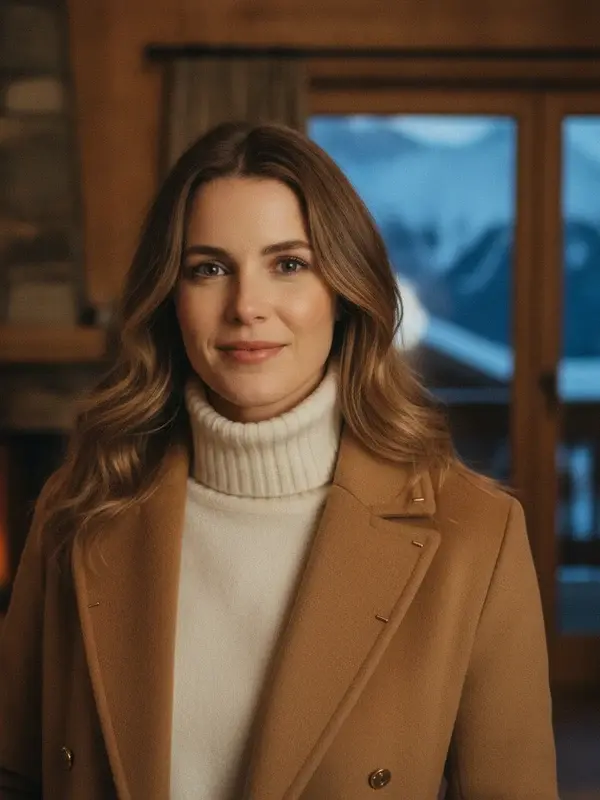
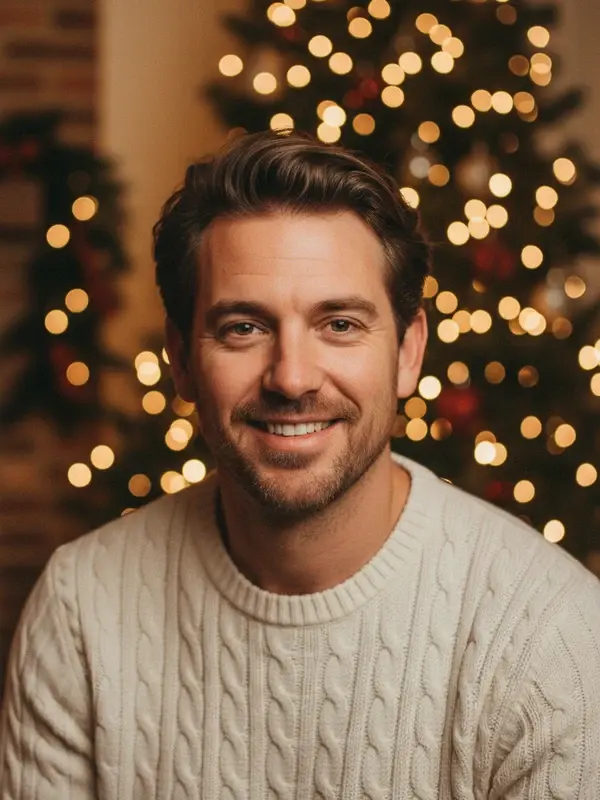
Not sure Snowfall Portrait is the one? People who pick it also try Alpine Après-Ski (cashmere + chalet firelight), Christmas Card (holiday card cozy), Christmas Pajamas (christmas morning by the tree). Your credits work on every style, so you can make more than one. Browse the full style catalog.
More winter looks


Snowfall Portrait headshots: FAQ
Is the snow a filter?
No. The snow is made as part of the scene, with flakes in front of you, behind you and a few on your shoulders. A filter only lays white dots over a photo you already have.
Is it only for Christmas?
No. There is nothing Christmas about it, so it works all winter long.
Is Snowfall Portrait free?
Your first set of 3 is free, with a small watermark, and you don't need an account or a card. After that, packs are a one-time payment with no subscription: $9 for 90 credits, $19 for 300 or $49 for 900. A set of 3 photos uses 3 credits.
Will it keep my braids, glasses or head covering?
Yes. Your hair, your glasses and any head covering stay as they are in your selfie. If a few snowflakes land on them, that is the weather, not a change.
Make your Snowfall Portrait photos in about a minute.
Your first set of 3 is free. No account, no card.
Open the Studio